Speaker Data Form
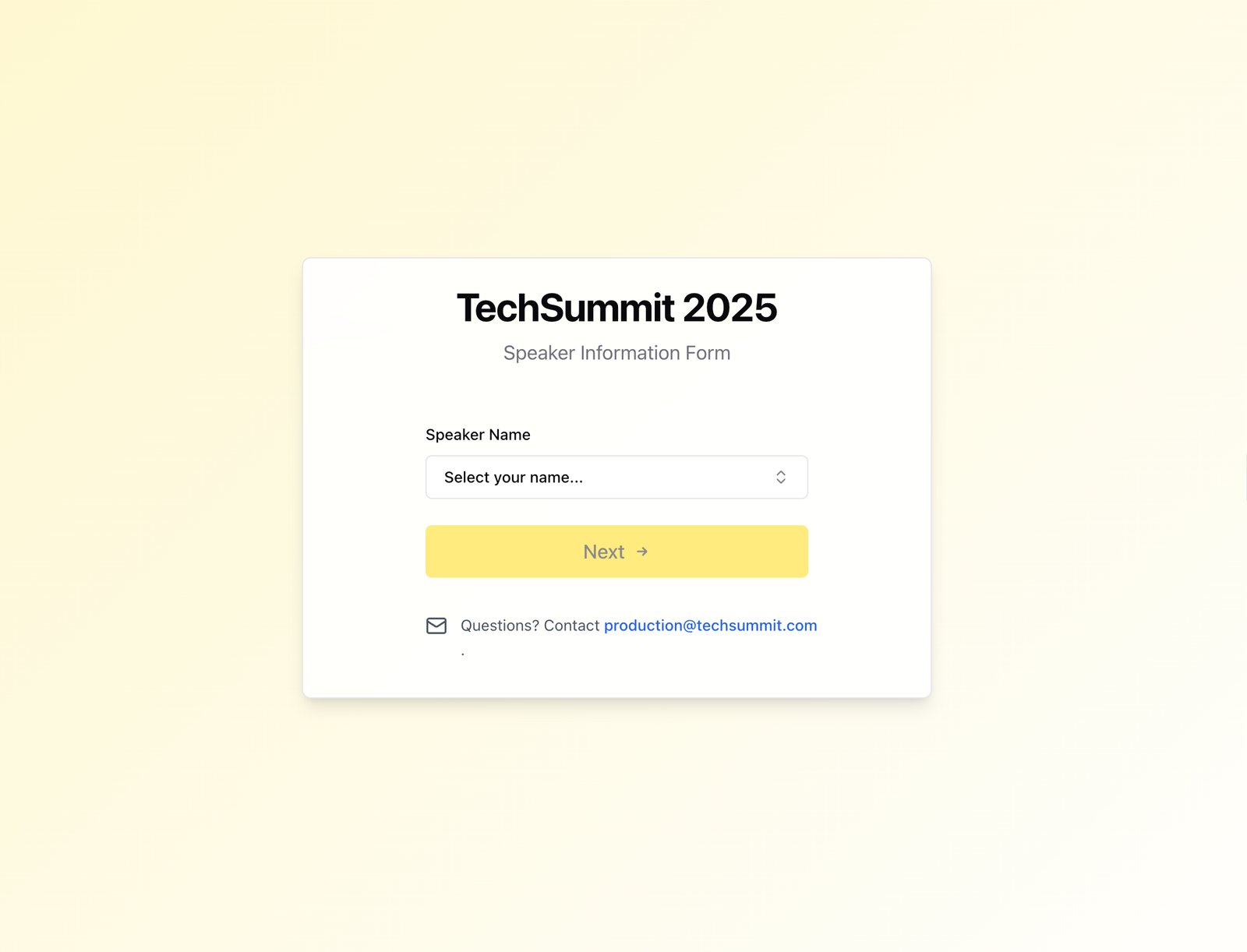
A custom form that allows speakers listed in a project's Airtable base to add, edit, or confirm their existing information (including headshots), without the cost or headache of providing them direct Airtable access. Unlike Airtable's native forms, it provides read access to a speaker's existing data, eliminating the need for busy speakers to re-enter existing information.
Case Study
Challenge
Collecting and verifying speaker information for hundreds of speakers required extensive back-and-forth communication. Event coordinators spent hours chasing down missing headshots, bio updates, and session details through email chains and phone calls.
Solution
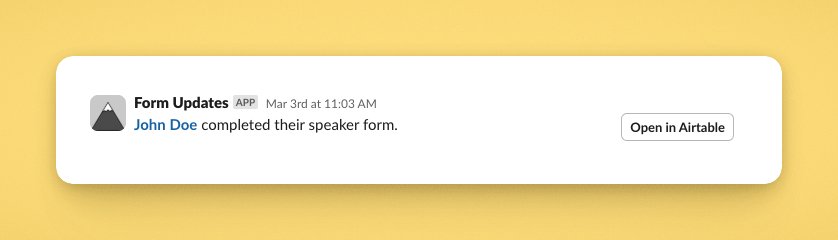
Created a self-service portal where speakers could review, confirm, or update their existing information from Airtable, and, upon submission, send a notification to the production team.
The form provides read access to existing data (unlike standard Airtable forms) and guides speakers through updating their information with real-time validation.
Results
Drastically reduced communication with speakers and their teams, eliminated duplicate data collection, and created an audit trail of all speaker updates.
Production teams now receive instant notifications when speakers update their information, eliminating the need to constantly check for updates.
Implementation
Built secure React application with database integration, JWT authentication, and real-time notification workflows. The system includes form validation, file upload handling for headshots, and automated email confirmations.
Impact
Streamlined onboarding for 500+ speakers across global conference series, saving approximately 15 hours of coordinator time per event.